

Starting and Stopping
Powering On
Locate the switch1
Locate the Red Power Switch on the side of the electronics enclosure.
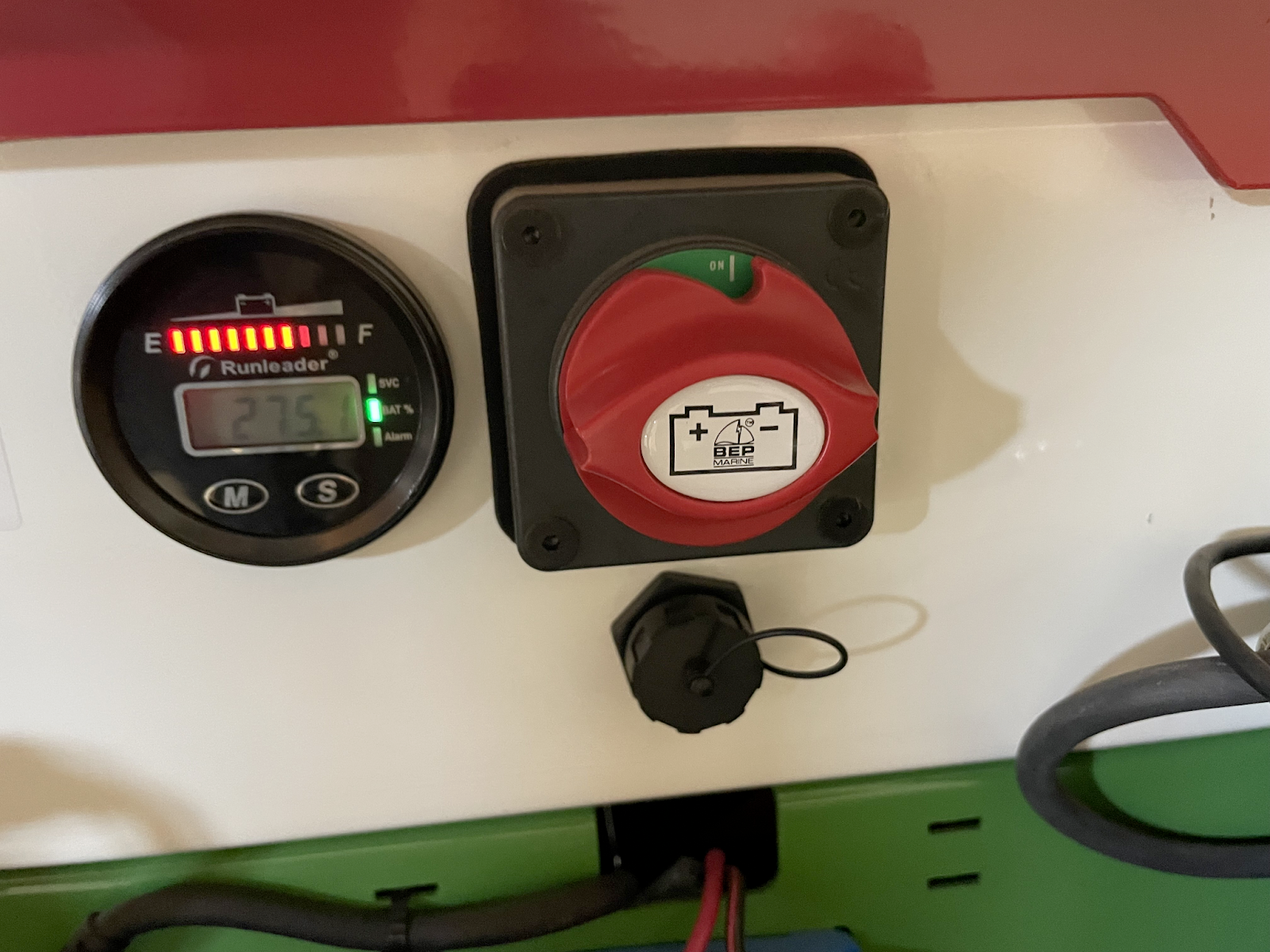
Turn it ON2
Turn the Switch On by rotating it clockwise to the "ON" position. The top of the switch will show green.
Booting Up3
Wait for Boot Up. Allow approximately 5-10 seconds for the system to boot. The main user interface (UI) will load automatically on the touchscreen.
Power Off
To ensure data is saved correctly and to prevent system issues, follow this procedure for a full shutdown.
Exit the UI1
From the main menu, tap the Settings icon (gear) > General. From the side menu that appears, tap Exit.
Shut Down the System2
On the desktop screen that appears, click the power icon in the top-right corner. Select Power Off / Log Out, then click Power Off.
Turn Off Power 3
Wait until the screen displays "No Signal," then turn the red power switch counter-clockwise to the "OFF" position.