

Stations
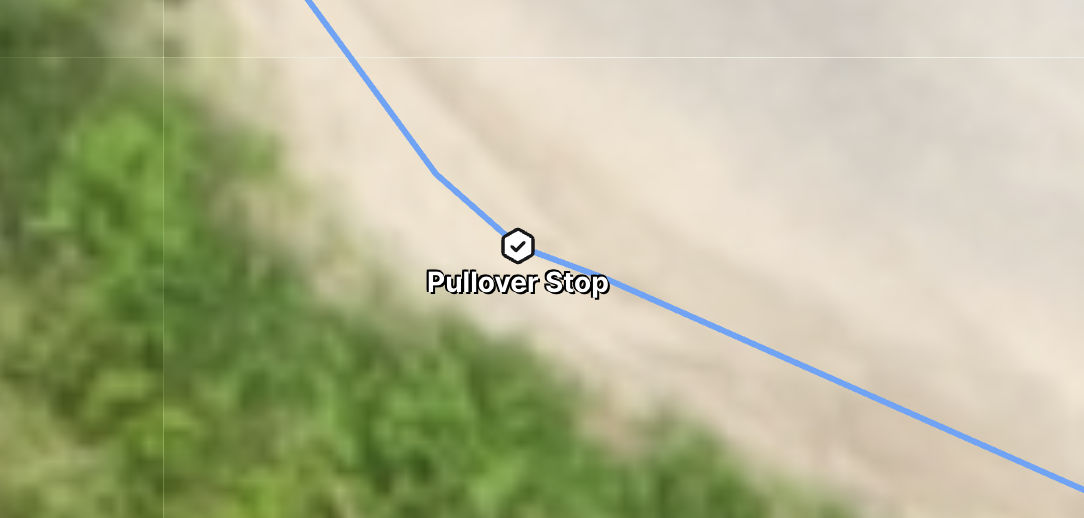
Stations are designated stopping points placed along network routes for Burros. They act as temporary pauses in autonomy, allowing Burros to stop for a set amount of time before automatically resuming their route.
Purpose: Provide controlled, timed stops along a network route without requiring user intervention.
Scope: Stations are only recognized during an active route and while a Burro is operating in autonomy on the network.
Details
When a Burro approaches a Station, it will come to a complete stop.
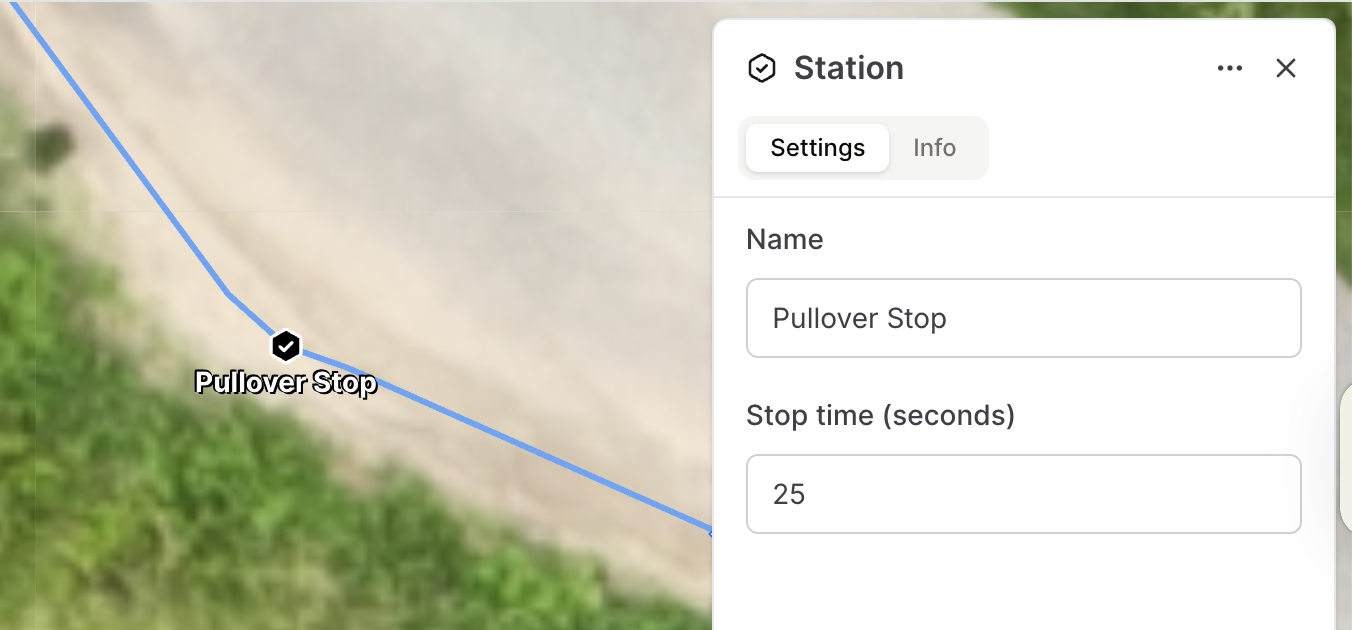
The Burro will remain stopped for the predefined timeframe set by the user.
No manual intervention is needed; the Burro will resume movement automatically after the stop duration.
Stations are not treated as permanent obstacles—they only affect Burro behavior while on the assigned route.
Creating a Station
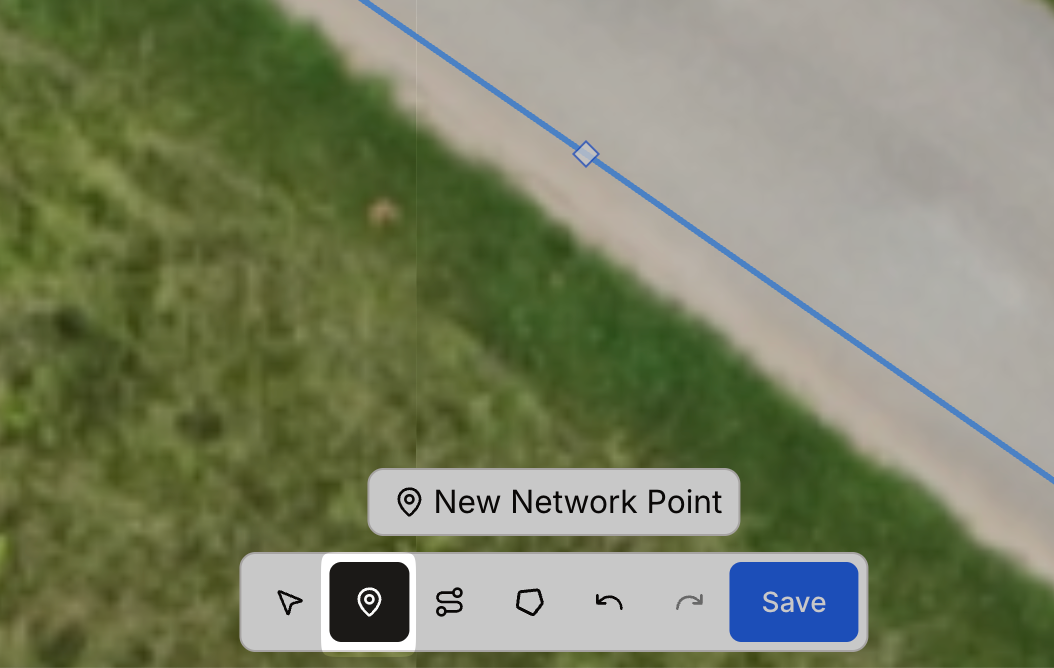
Go to the toolbar and select Add Point.
Place the Point: Click on the desired location along the network line where you want the Station.
Note: Adding a Station will split the line at that point. Be mindful of how this may impact connected network path segments.
Set the Point Type: Toggle the point type to Station.
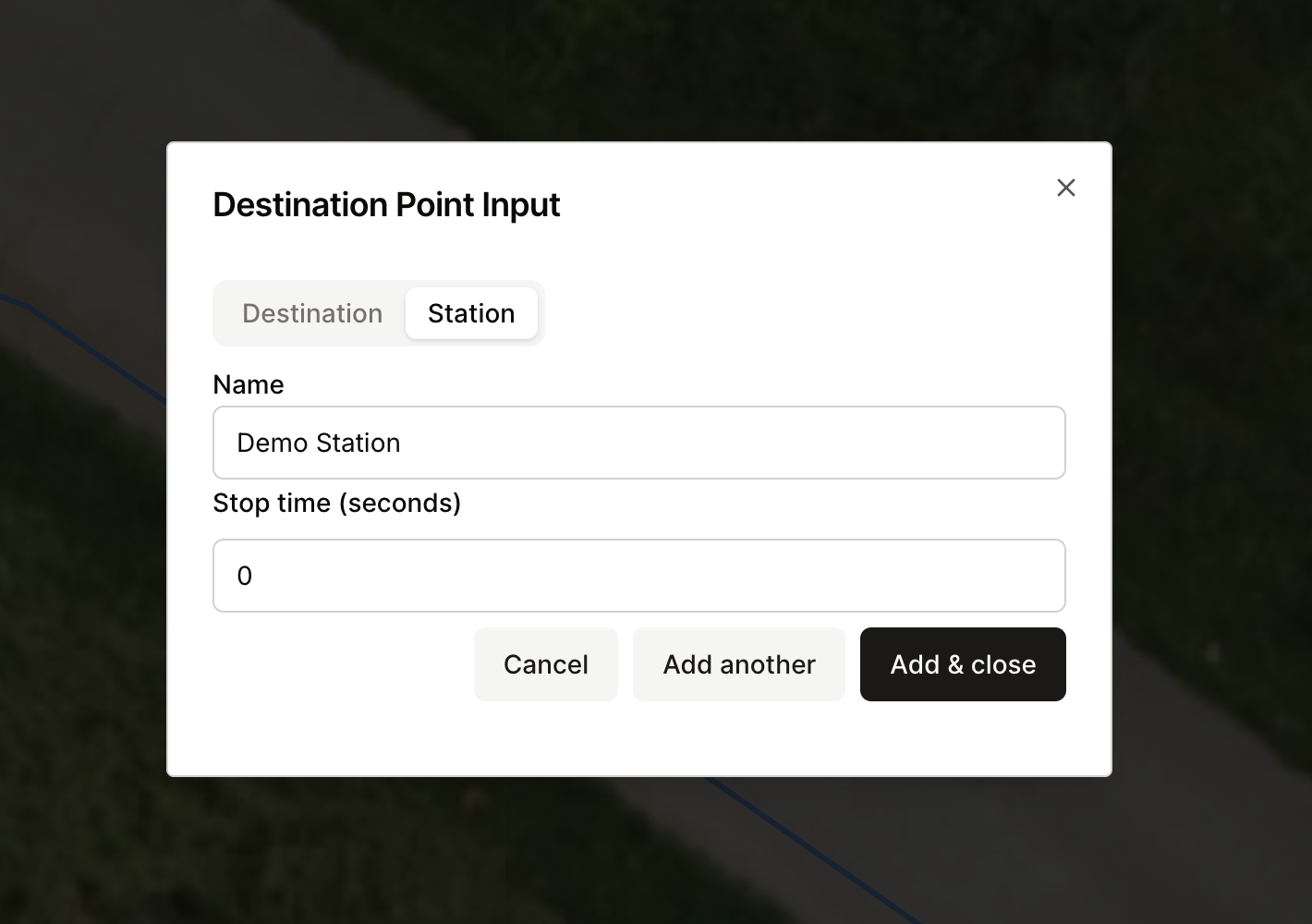
Name the Station: Assign a clear, descriptive name to the Station for reference in missions and route planning.
Set the Stop Duration: Enter the time value (in seconds or minutes) that the Burro should remain stopped at the Station.
Best Practices
Place Stations in logical, safe stopping areas (e.g., loading zones, inspection points).
Avoid over-splitting paths with too many Stations, as this can complicate network segmentation.
Use consistent naming conventions so operators and supervisors can easily identify Stations during planning.