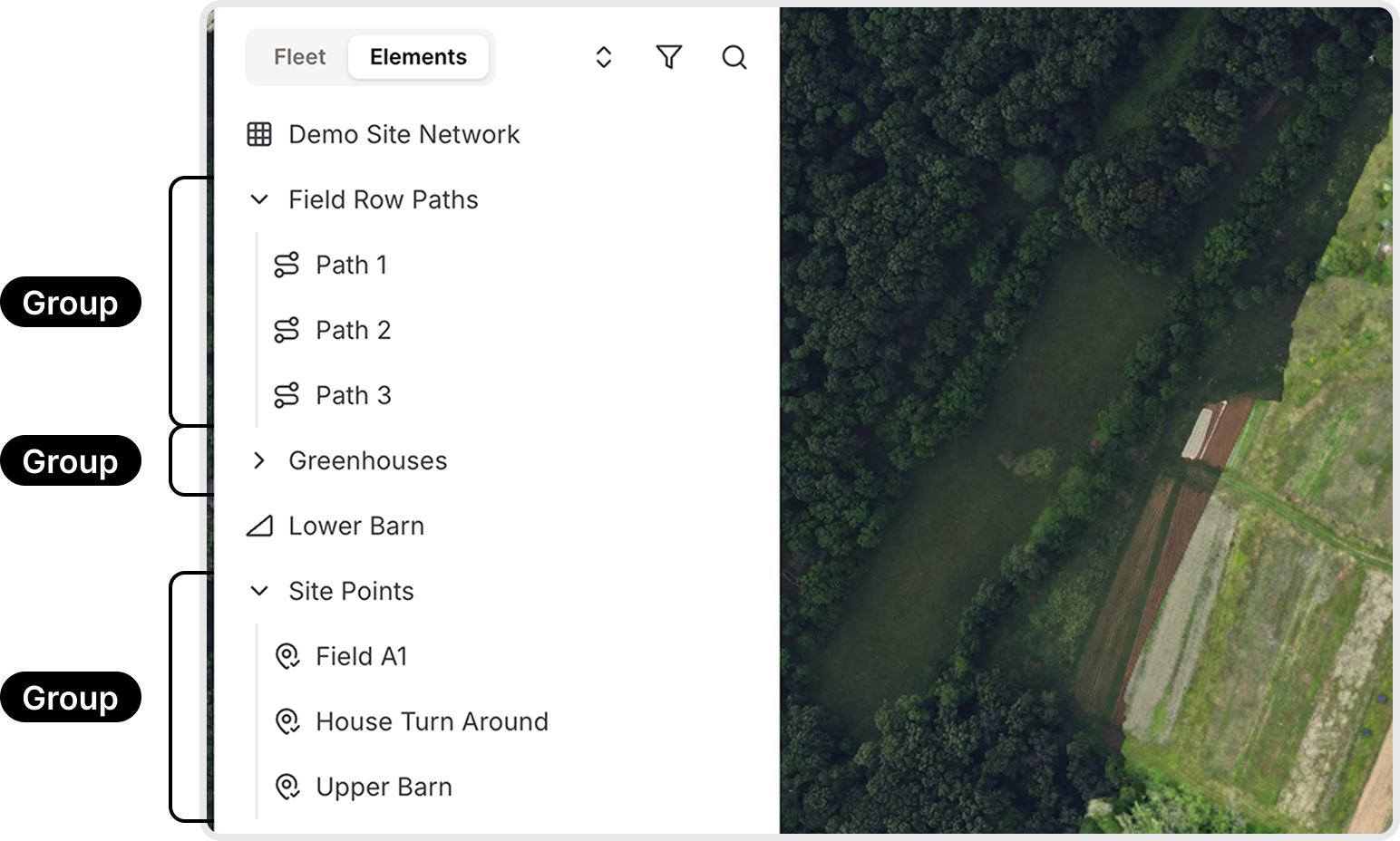
Groups
Groups help organize elements within a site and improve site management. You can group paths, points, and shapes, but you cannot group networks. Groups also influence how points are displayed on Burro’s interface.
Creating a Group
Creating a group is straightforward:
Click the + button in the left sidebar.1
Name the group, then drag elements into it to organize them.2
Groups can contain sub-groups, allowing for layered organization.3