

Overview
BOSS PRO Home screen overview
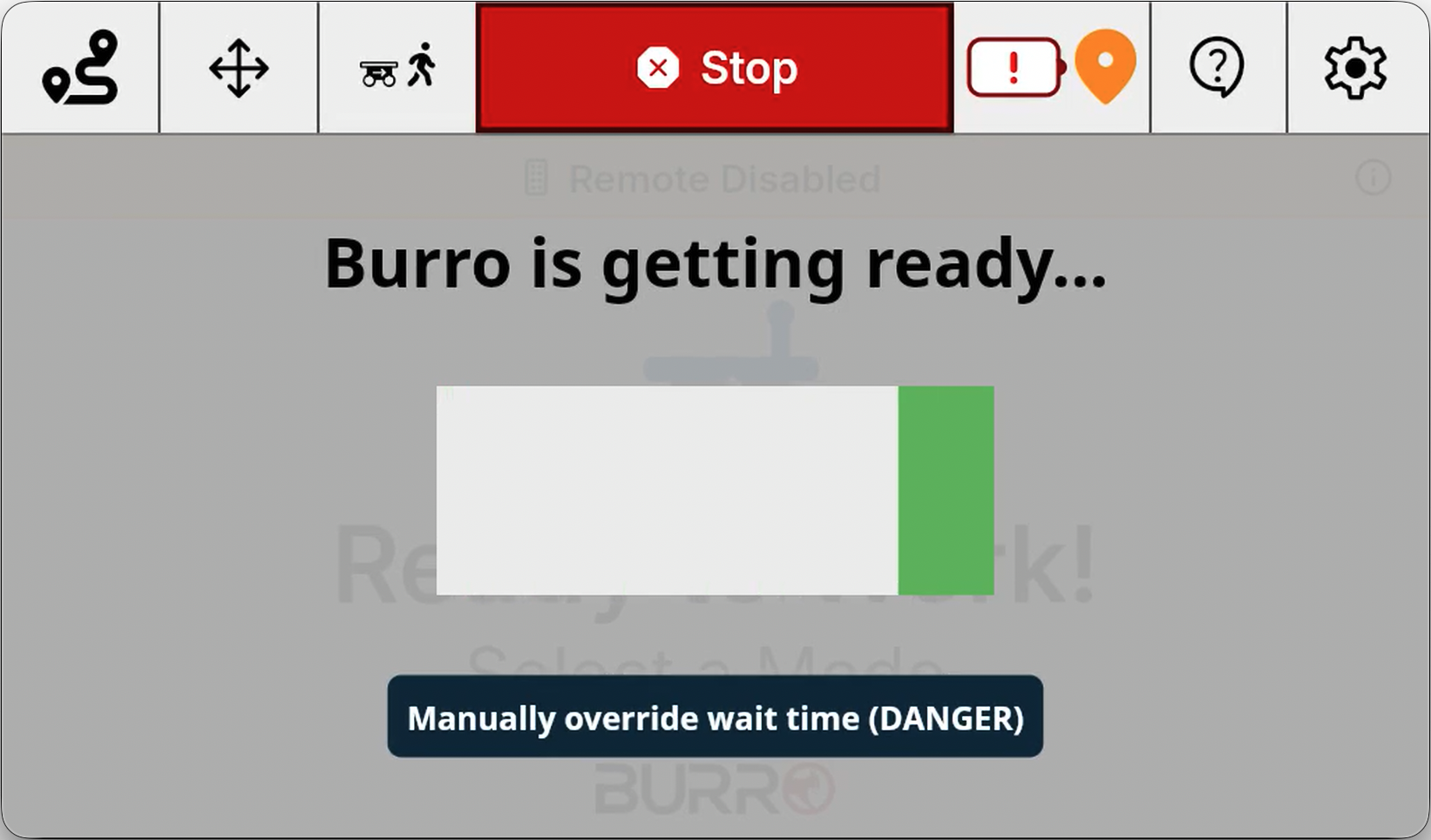
Burro’s main UI will automatically start up approximately 30 seconds after the unit is powered ON.
Main Menu
Once you see the screen displaying the image shown below, your Burro is ready to work!
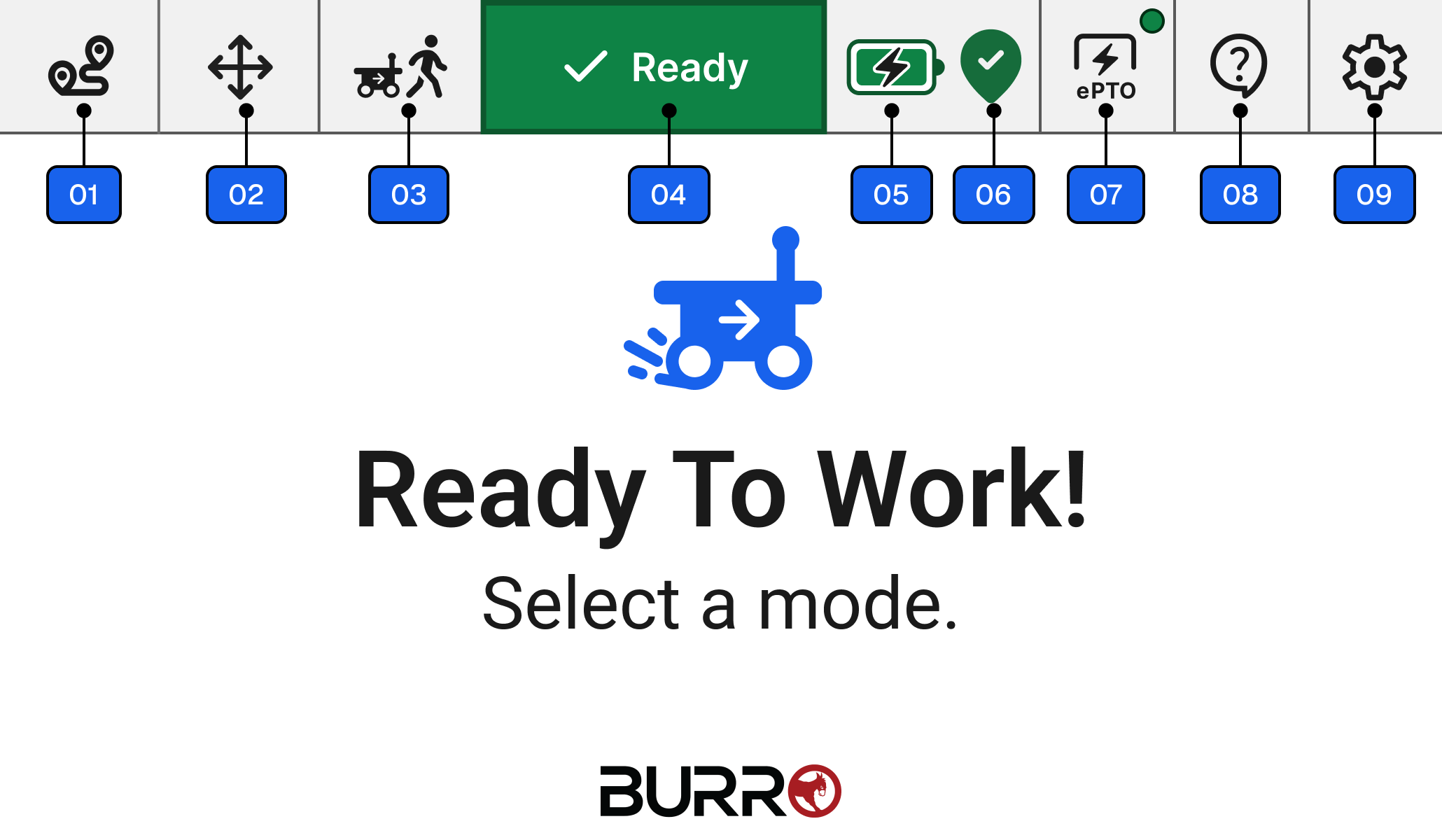
Autonomy Mode
Allows you to send your Burro from one destination to another in autonomy mode. This will primarily be the mode that you use the Burros in.Manual Control Mode
Allows you to control your Burros in manual mode.Person Follow (Follow me) Mode
Enables Burro to autonomously follow you around.Robot Status Banner
Displays the current state of the robot, if your robot has any issues that will be displayed on this status banner. For advanced users, you can press and hold the banner to read the error codes to help you debug the issue.Battery indicator
Displays the battery percentage of your unit. You can hold it down to see the exact state of charge; percentage if your Unit has a smart shunt, or the battery voltage on all other units.Localization Status indicator
Click to view detailed information for RTK GPS, LiDAR, and Vision.ePTO (Electric power take-off)
For Grande’s with ePTO add-on, this enables you to control external attachments connected to your Grande eg: CortadorIssue Reporting
Click to report an issue or problem with Burro.Settings Menu
Click to open the Settings menu