

Destinations
Destinations are the points a Burro navigates to along a network route. They act as navigation targets for Burros and are an essential part of route planning.
Purpose: Define where a Burro should travel during a mission.
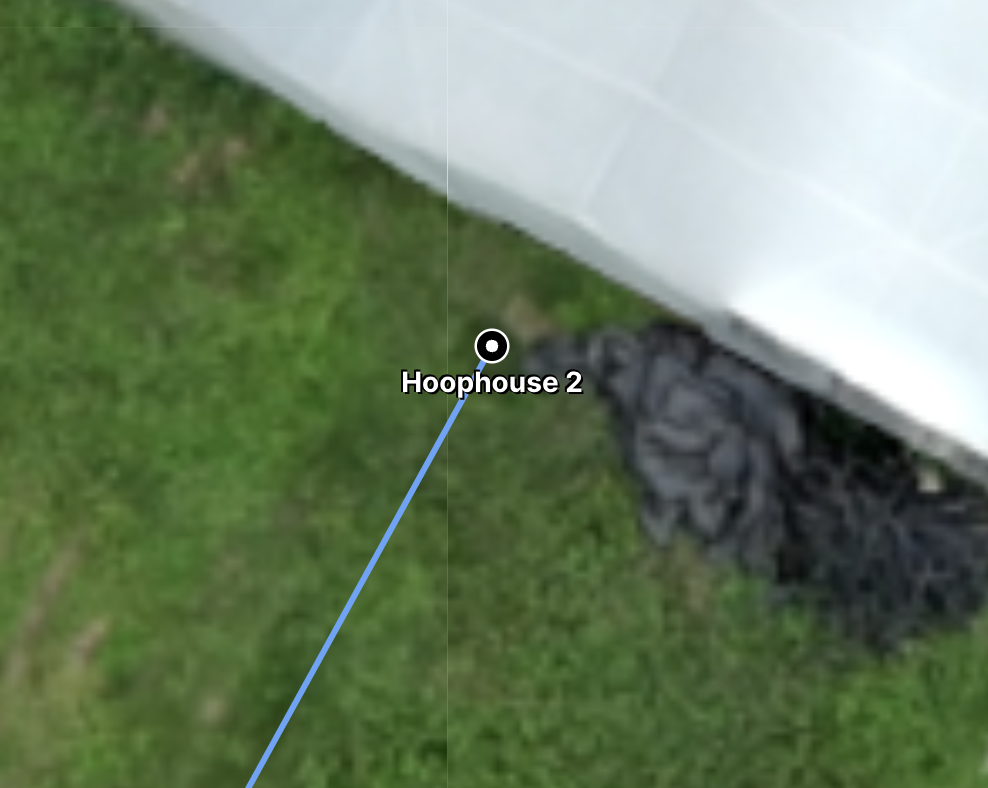
Details
Destinations are tied to network paths or endpoints and are always recognized in autonomy.
Destinations are the primary navigation targets for Burros.
They appear in the left-hand side element list for easy identification and selection during missions.
Destinations must be placed on a network path or at an endpoint.
They do not include a stop duration in BOSS Web (unlike Stations).
Destinations cannot be disabled — they are always active within a network.
To function properly, Destinations must be navigable by the Burro (connected to valid network paths).
Creating a Destination
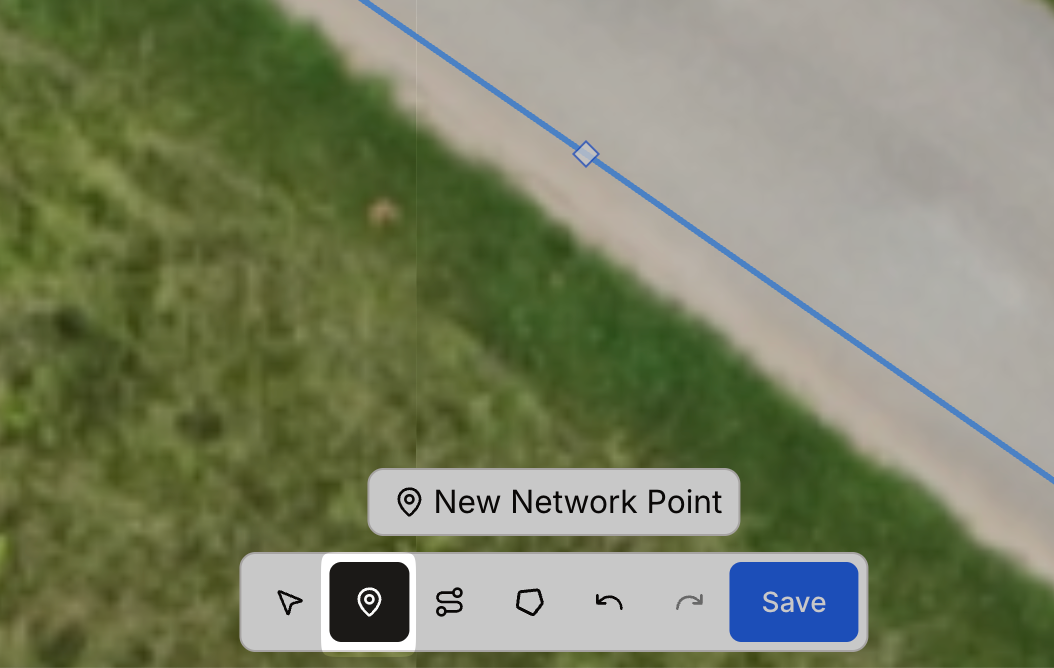
Go to the toolbar and select Add Point.
Place the Point: Click on the desired location along the network line where you want the Station.
Note: Adding a Destination may split the line at that point. Be mindful of how this may impact connected network path segments.
Set the Point Type: Toggle the point type to Destination.
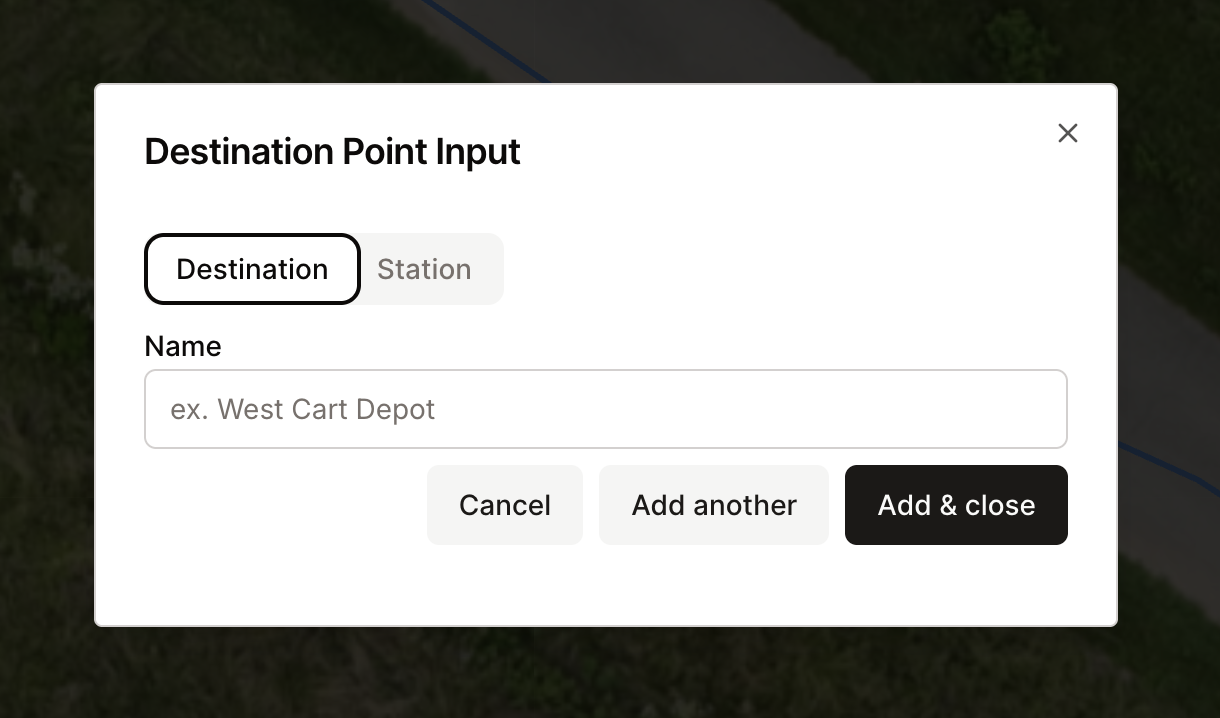
Name the Destination
Assign a clear, descriptive name so operators and supervisors can identify it in the element list.
Best Practices
Place Destinations at logical navigation targets such as row ends, loading/unloading areas, or docking points.
Ensure each Destination is connected to a valid network path so Burros can reach it.
Use clear, consistent naming conventions for easier mission planning and operator use.
Avoid cluttering a network with too many Destinations, which can complicate mission setup.