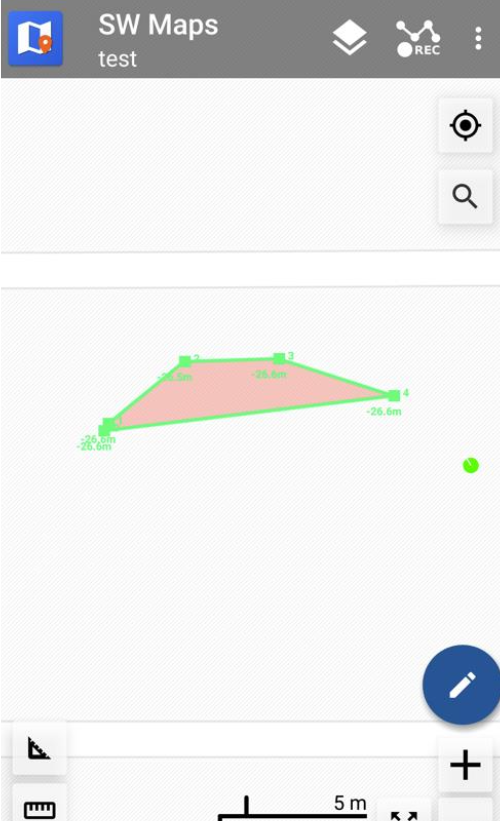
Record GPS
How to Utilize the Record GPS Function
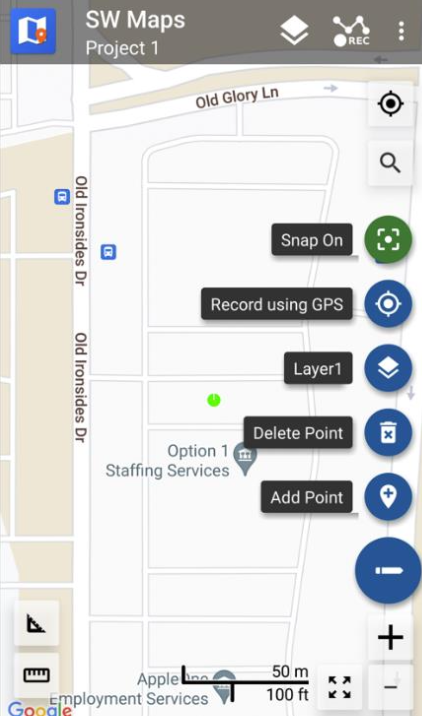
Tap the pencil/edit button on the bottom right of the screen then hit “Record using GPS”:
You will be shown this screen:
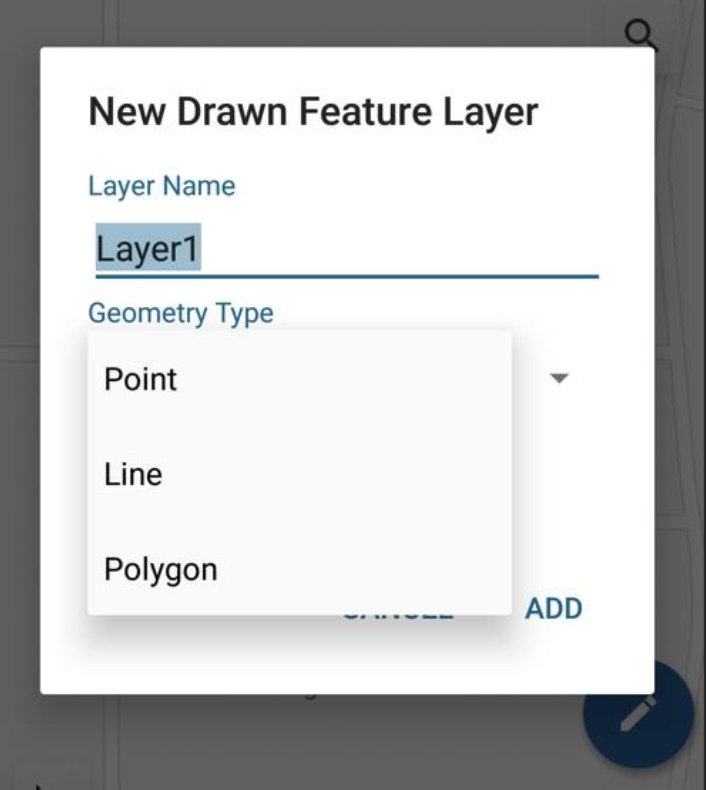
You can either edit the current layer or add a new one. The different geometry types are shown below:
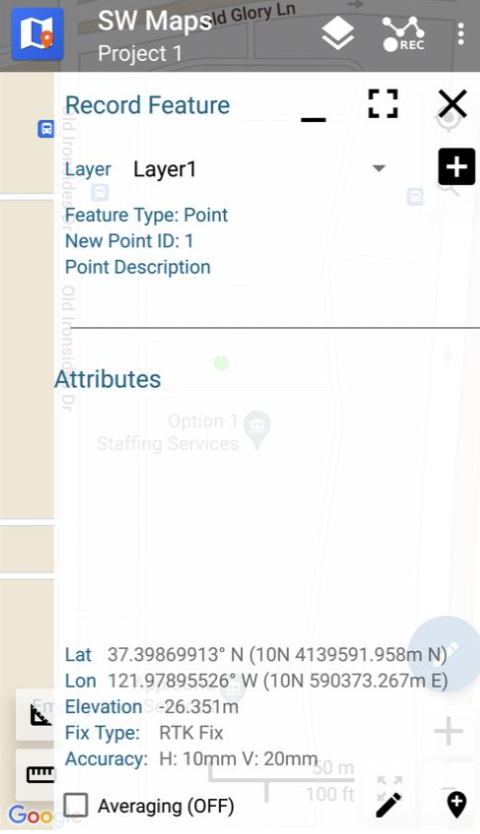
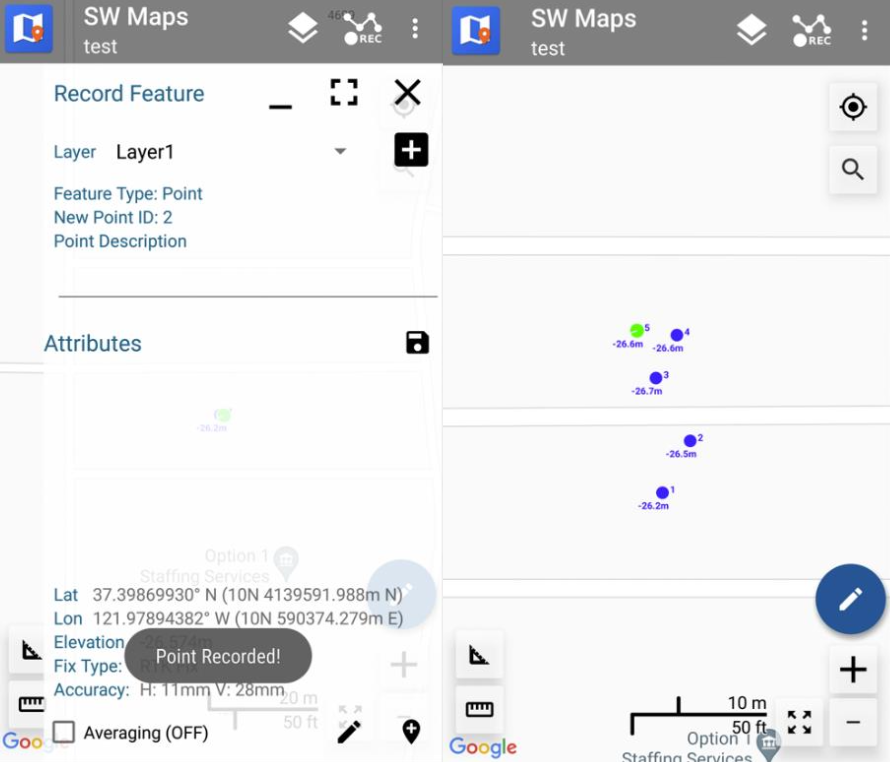
Point
Hit the bottom right button to add a point based on the location of the LiteRTK:
Line
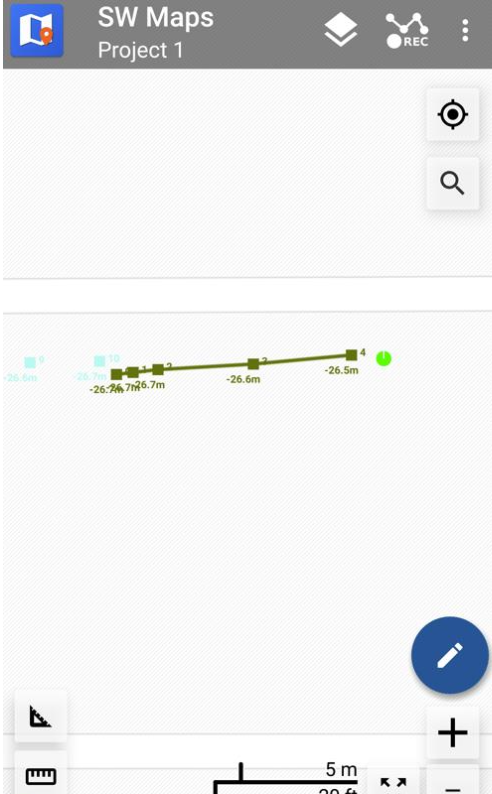
Line is the same, make sure to hit the record button and add points as you move the device
Polygon
Polygon is the same, make sure to hit the record button and add points as you move the device