

Manual Mowing
No obstacle detection
Manual control does not use any form of obstacle detection and will move the Burro in any direction that you, as an operator, instruct the robot to go. Follow these steps to enable and use manual control effectively:
Enabling Remote Control
Settings1
Navigate to Settings > Remote Control and enable it.
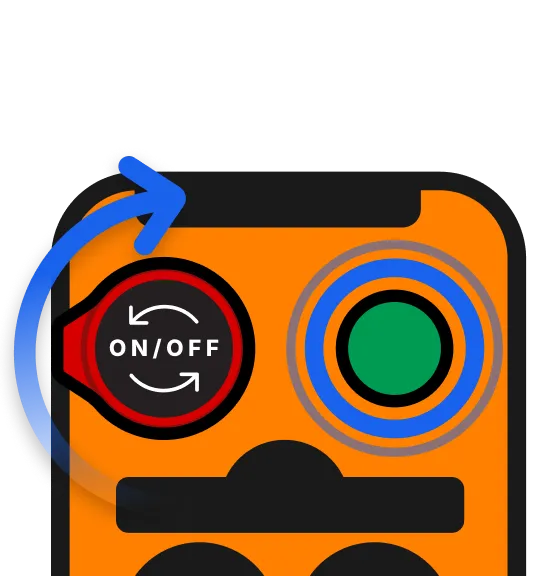
Flip the remote switch 2
Connect the remote by flipping on the power switch to the top left and pressing the connect button.
UI Feedback3
The screen should now give visual feedback of the remote being connected.
Testing the Remote
Test the remote by pressing the movement buttons and move the robot to the desired location using the remote.
Noise level warning
Cortador generates sounds that exceed 85 dB. Continuous exposure to loud noises from the mower may lead to long-term hearing loss. Wear appropriate ear protection 🎧.
Operating the Mower
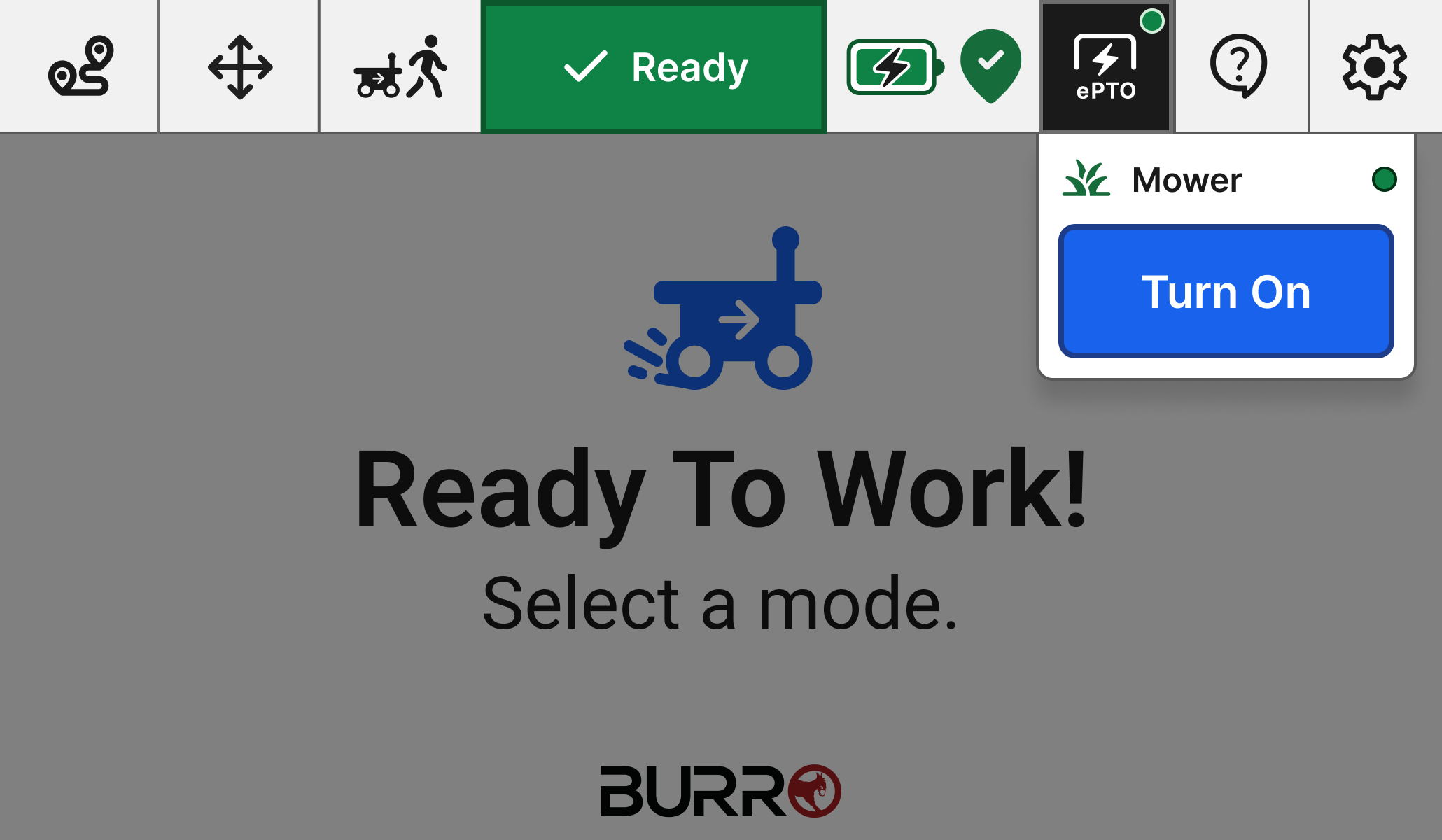
ePTO Button1
From the home screen, click on the ‘e-PTO’ button
Turn on the mower2
Hit the ‘Turn On’ button the start the mower
Move the robot3
Move the robot around using the movement buttons on the remote to mow the area precisely.
Click outside the pop-up4
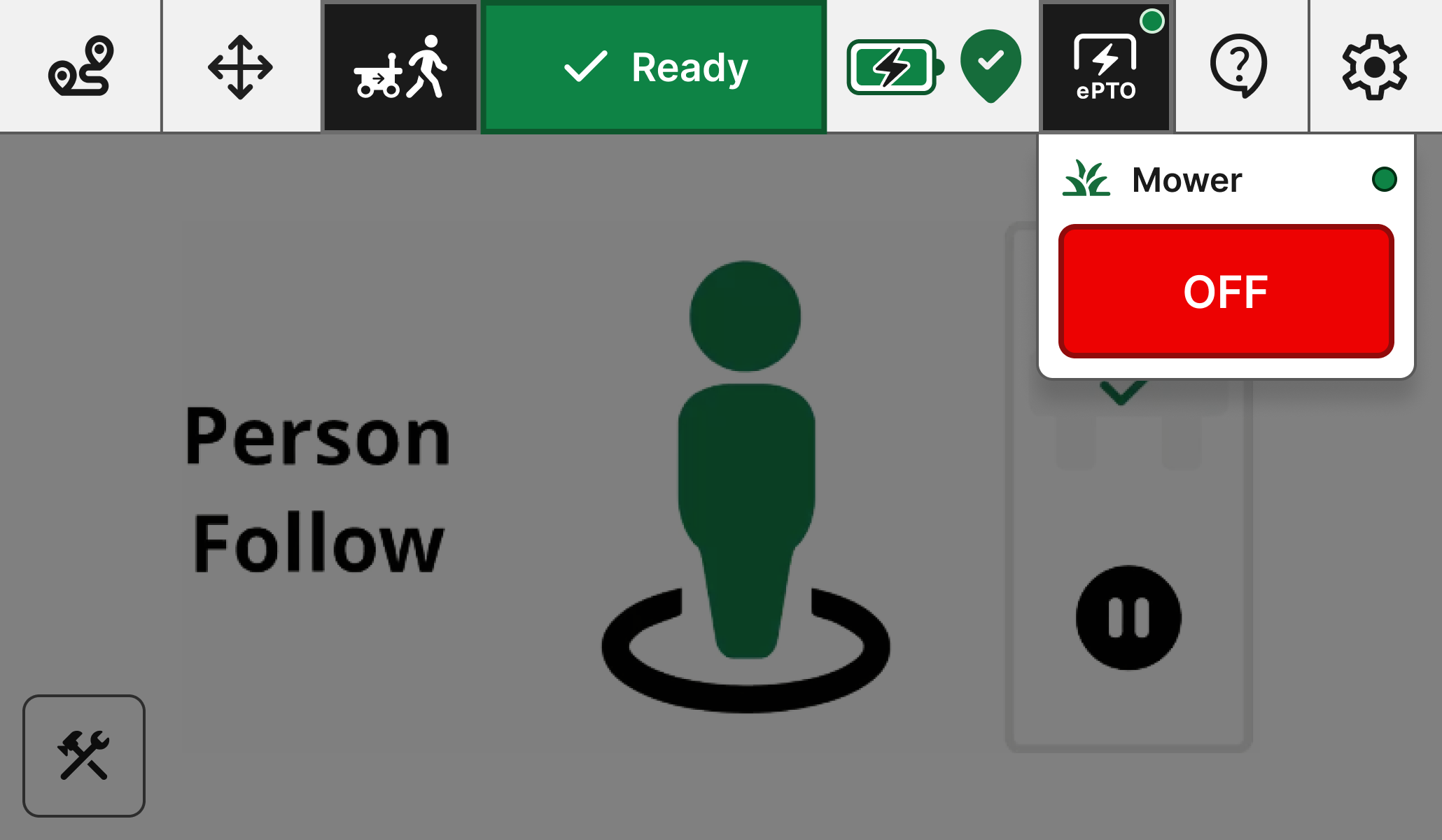
Once complete, click outside the pop-up or click the ‘OFF’ button to turn the mower off.
Flip the breaker5
Once you’re back at the base, turn the breaker switch to the off position to keep the mower safe to operate for the next time.