Area Mowing
Follow these steps to send your robot to a mission:
Selecting the mission1
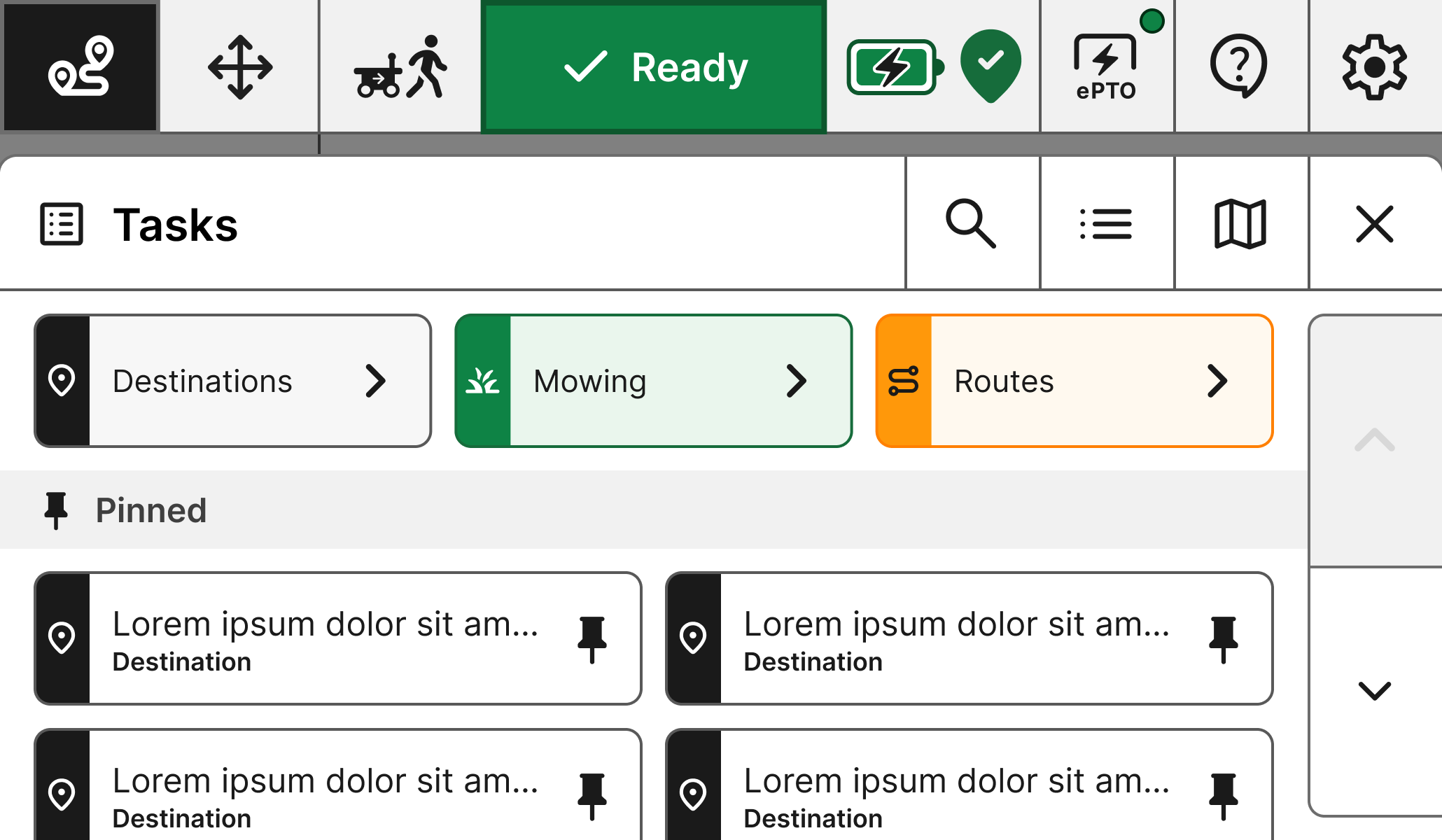
From the list of missions, filter by the ‘Mowing’ task
Popup2
Once selected, you’ll be asked to select the start point of the mission on the UI. Hit yes to confirm.
Send to the mission3
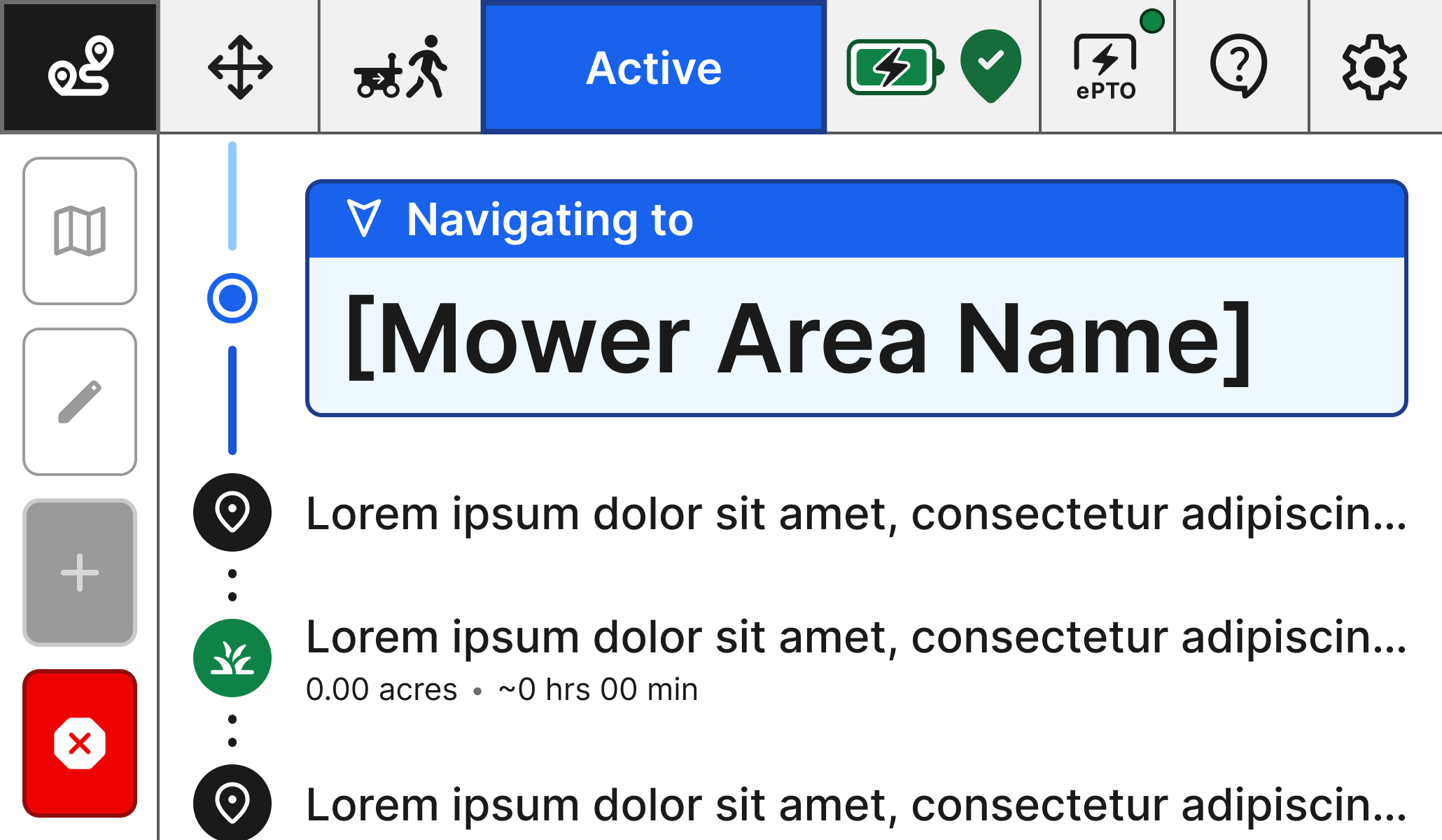
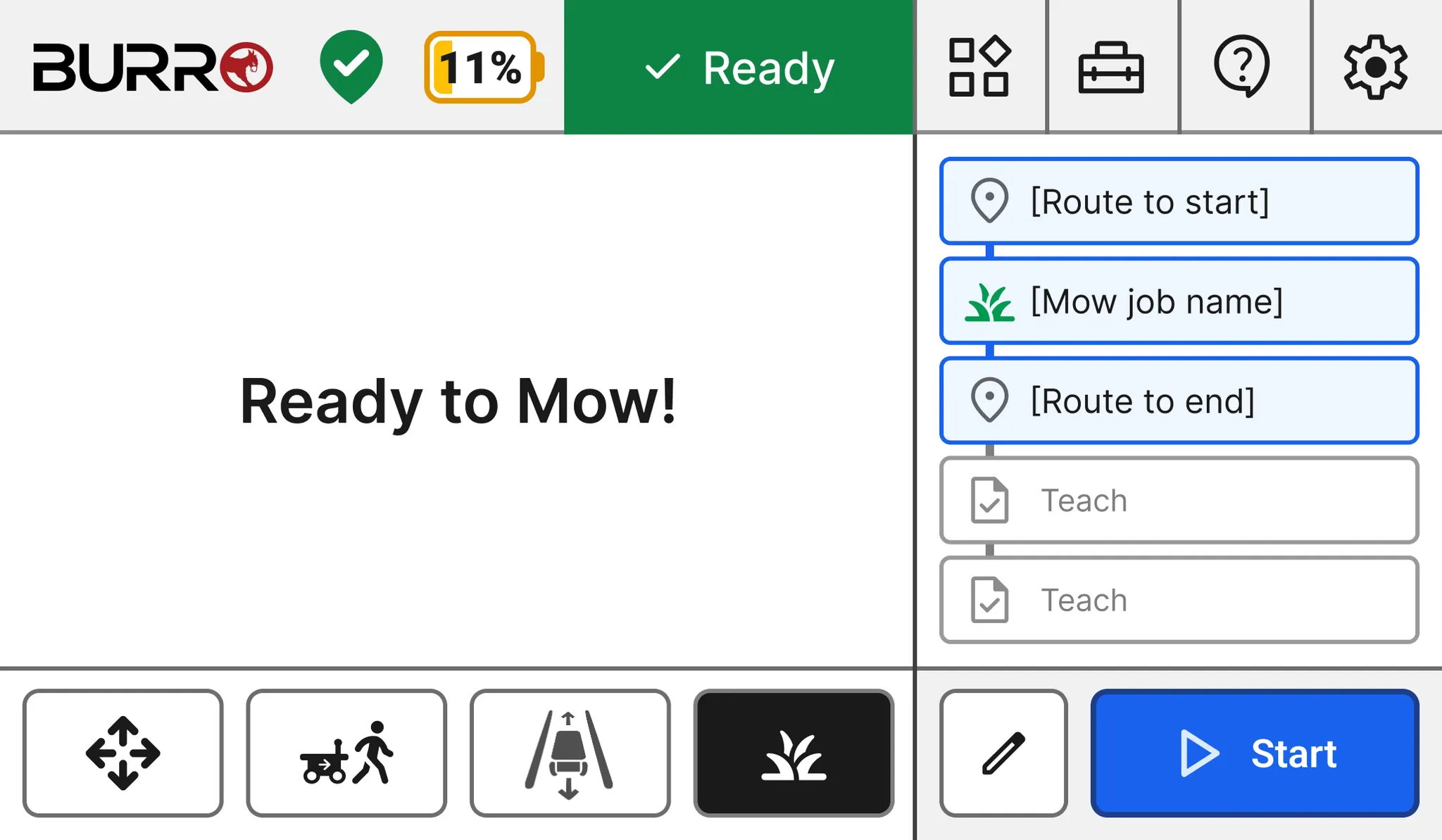
Hit Start to execute a mowing mission. Cortador will autonomously navigate to the mowing zone, turn on the blades, and return to the desired location upon task completion.