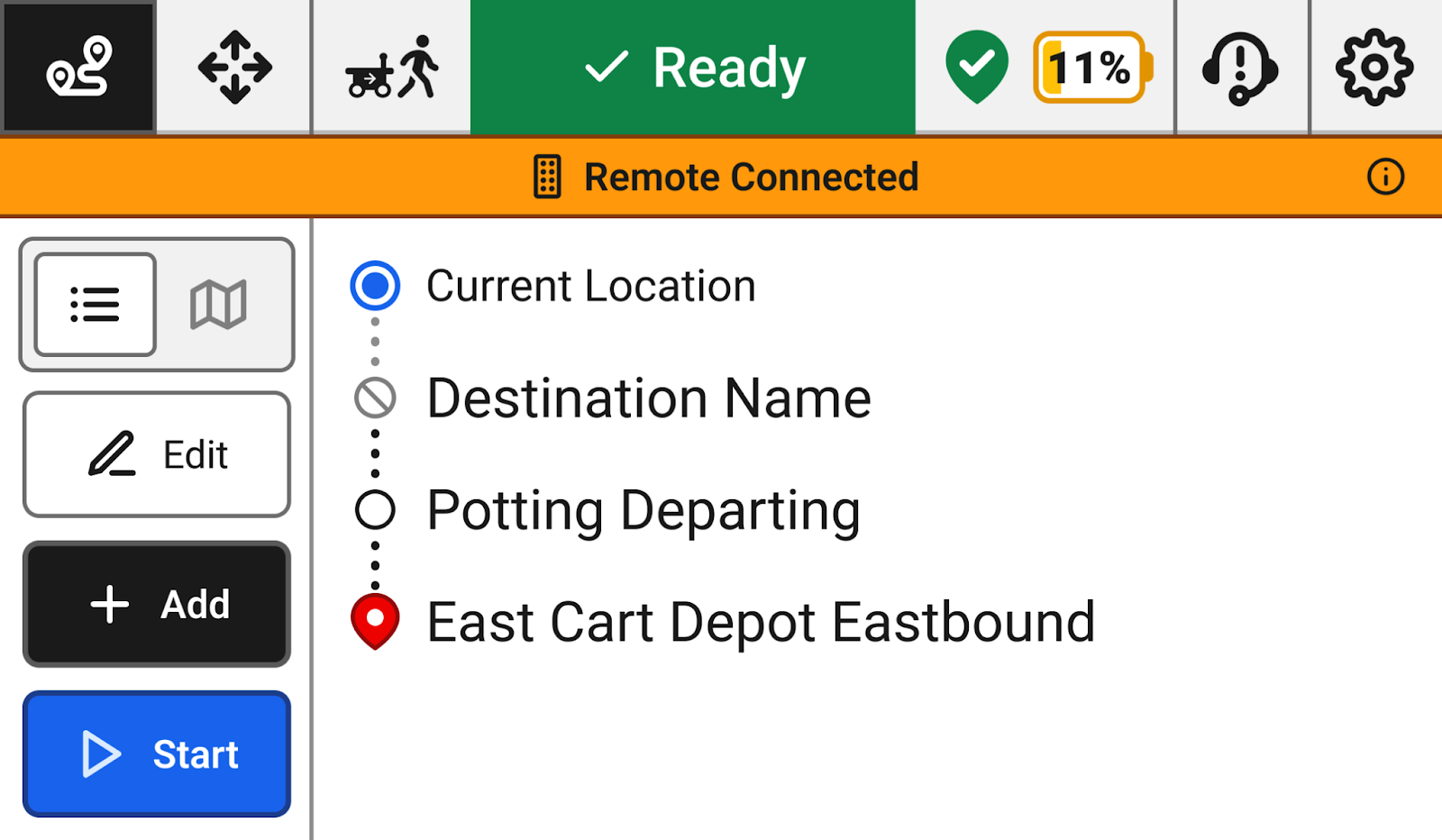
Enabling the remote
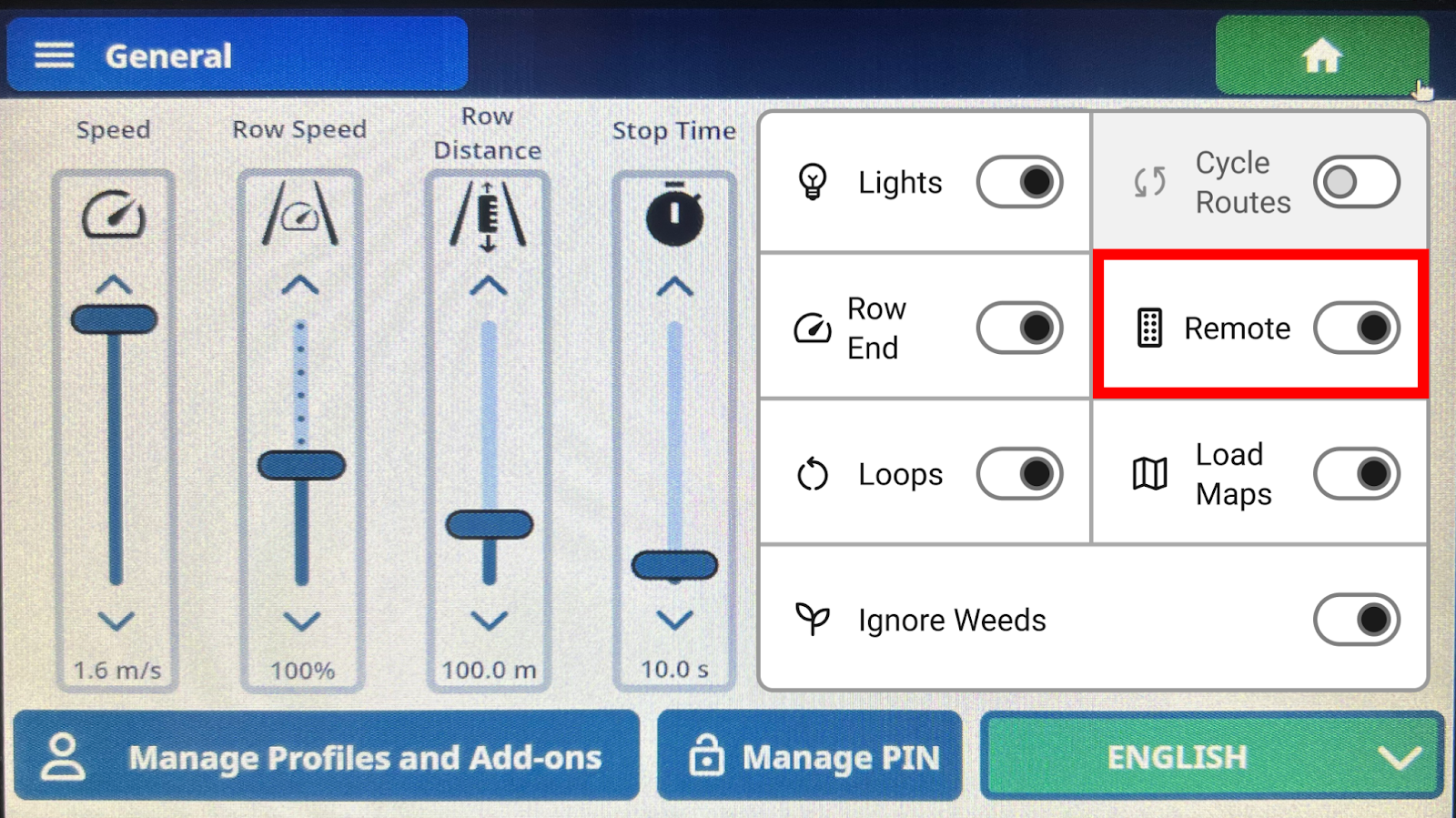
Settings1
Navigate to the Settings page on the Robot UI.
Toggle the option2
Toggle the Remote option to allow the robot to receive commands from the remote control.
Connecting the Remote to the Robot
Radius1
Ensure you are within 50 meters of the robot.
Flip the switch2
Turn on the remote by flipping the On/Offswitch.
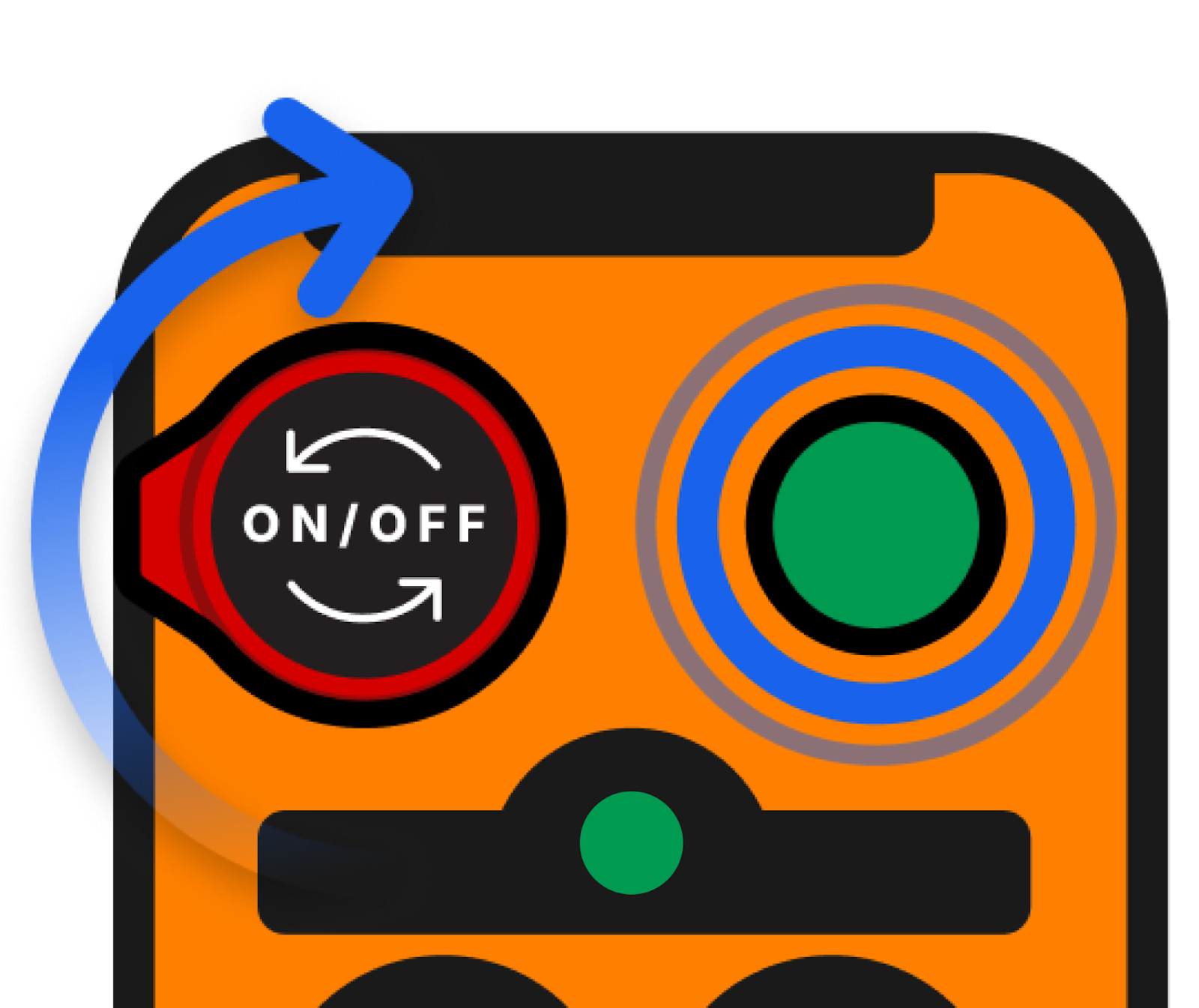
Connect3
Press the green Connect button on the top right of the remote.
Status lights4
The status lights on the remote will blink green to confirm the connection, and a popup will appear on the screen.
Test5
Test the remote by pressing any movement button to ensure it's working