

Serial connection
Setting up the serial connection
For the serial connection, we will need the following:
A TTL serial connection between COM-1 and the Burro robot.
A Burro robot with the Burro API enabled.
Follow the steps below to setup the serial connection:
Setup Plug1
Setup Plug in the isolator and USB-to-Serial converter into the USB port on the side of the robot.
Run the Handshake2
Click on the ‘API Handshake’ button on the UI to ensure you are connecting over the correct port.
Run the scripts
Run one of the example scripts, such as the serial_api_client and enter the command: ?SYSP_
Response3
You should see the response from the robot in the terminal.
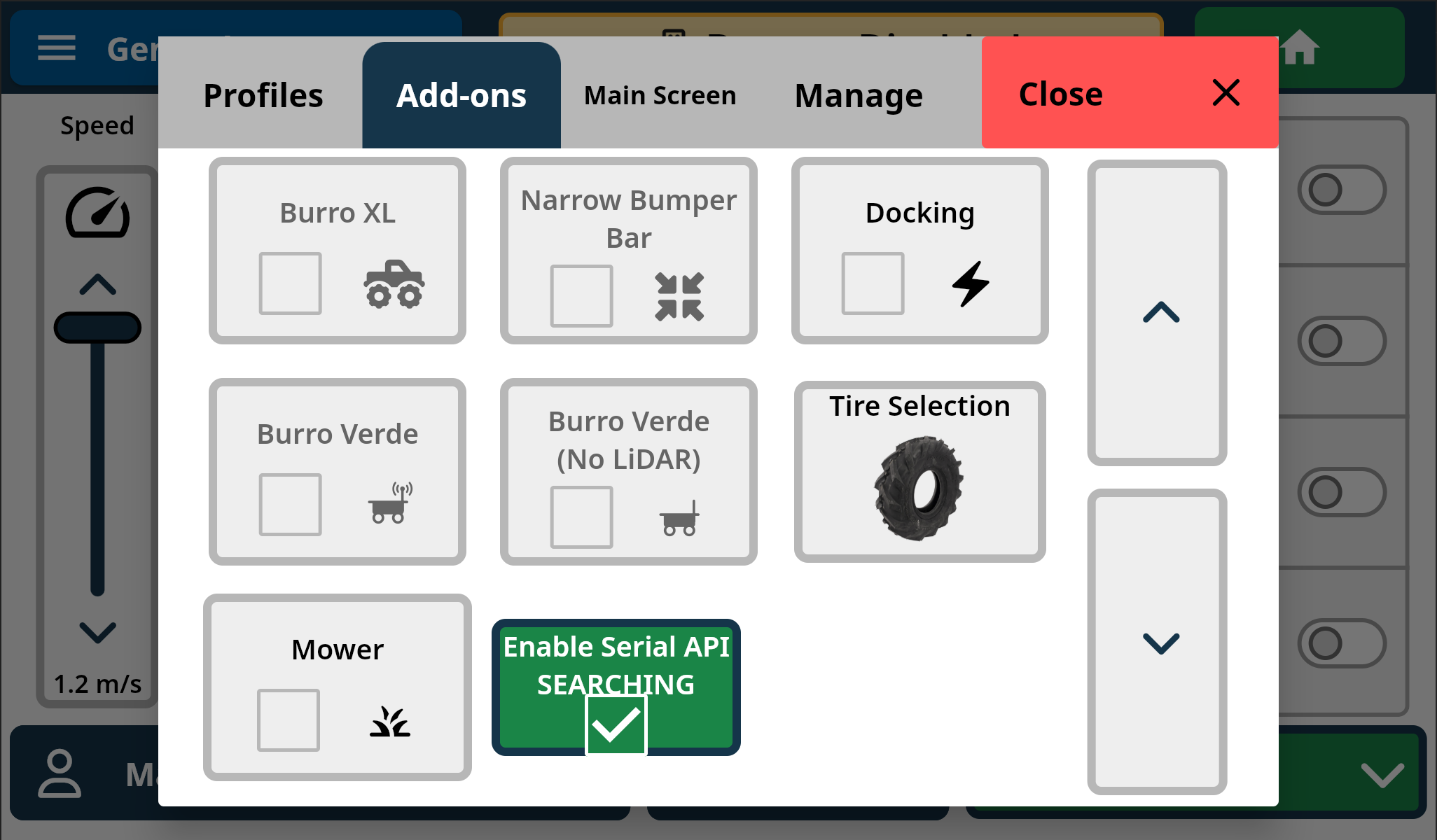
UI Status
When you use UI toggles to enable the API, they also reflect server status: